
A device with a web browser
An iPad or iPhone, an Android tablet or phone, or a Windows touchscreen computer, with an up-to-date browser. Nothing to install.
Start with the tablet, phone or computer you already have. Add a receipt printer, cash drawer, scanner or card reader only if you want them.
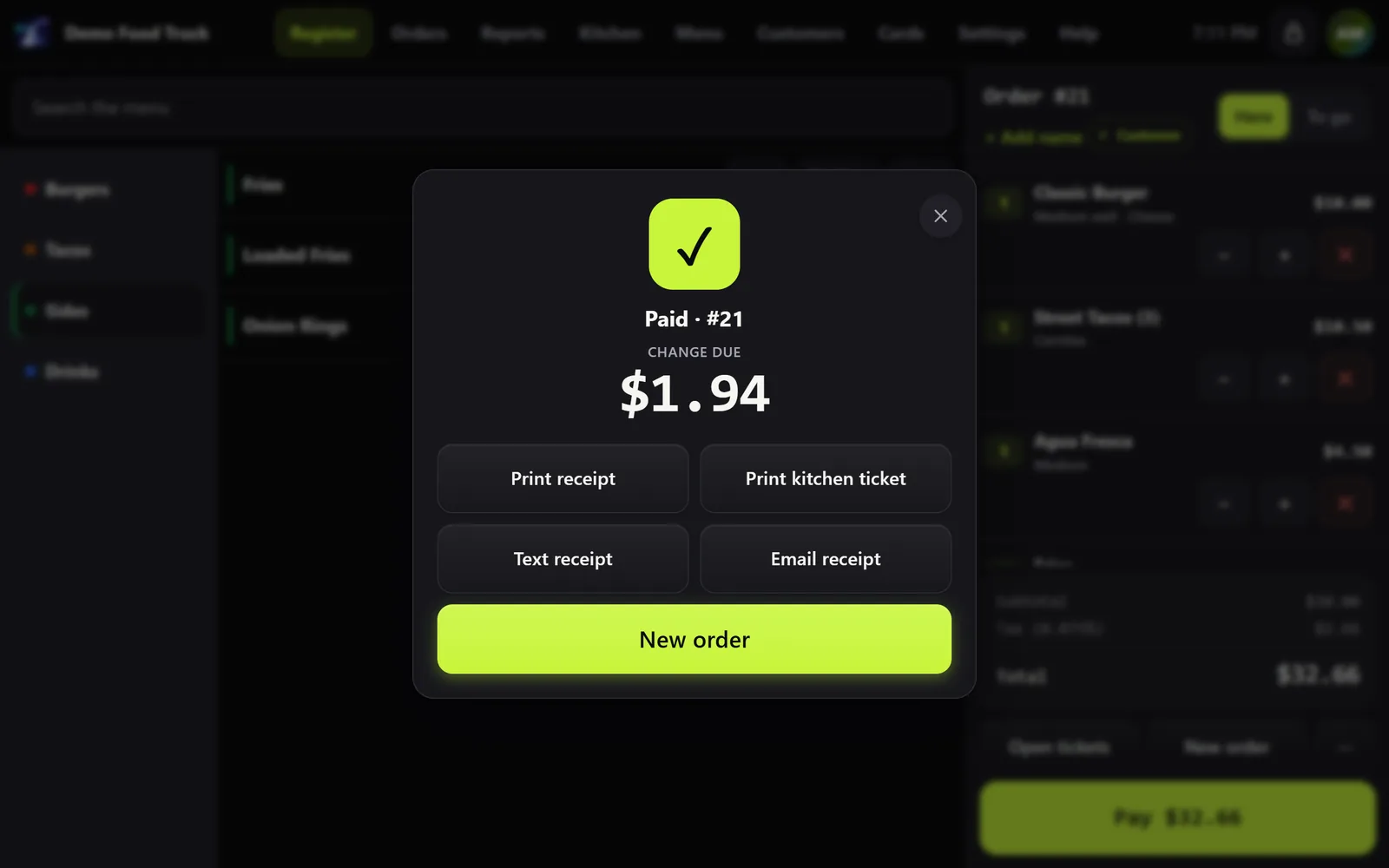
An iPad or iPhone, an Android tablet or phone, or a Windows touchscreen computer, with an up-to-date browser. Nothing to install.
You need the internet to set up and to sync. After that, the register keeps selling without it.
Any printer the device can print to: AirPrint on iPad and iPhone, or Windows and Android printers. With Chrome or Edge on a computer or Android, Denali can print straight to a USB, serial or Bluetooth receipt printer, with no print dialog. 80 mm or 58 mm paper.
It plugs into the receipt printer. When Denali prints straight to the printer, the drawer opens for cash sales. When printing the normal way, turn on the drawer in the printer's own settings and it opens with every receipt.
A USB or Bluetooth scanner works like a keyboard, with nothing to install. No scanner? The camera on a phone, tablet or laptop reads barcodes too.
Keep the terminal you have: run the card on it and tap Card approved on the register. Or use a Stripe Reader S700 or BBPOS WisePOS E on Wi-Fi, with your own Stripe account. Card numbers never touch Denali.
Any tablet or screen with a browser can show the kitchen its orders. Number keys work as a bump bar.
Tell us what's on your counter today, and we'll tell you what works with it.
The same register on every device. What changes is how it reaches the printer.
In Safari.
In Chrome.
In Chrome or Edge.
Tell us about your business and we'll send your price the same day.