
Sell on any device
A tablet, a phone or a touchscreen. Open the link, tap, sell.
Cloud POS for every business that sells
Restaurants, shops, salons, trucks and markets: Denali runs in the browser on the tablet, phone or touchscreen you already have. Every sale is saved on the device first, so it keeps selling when the internet doesn't.
See it
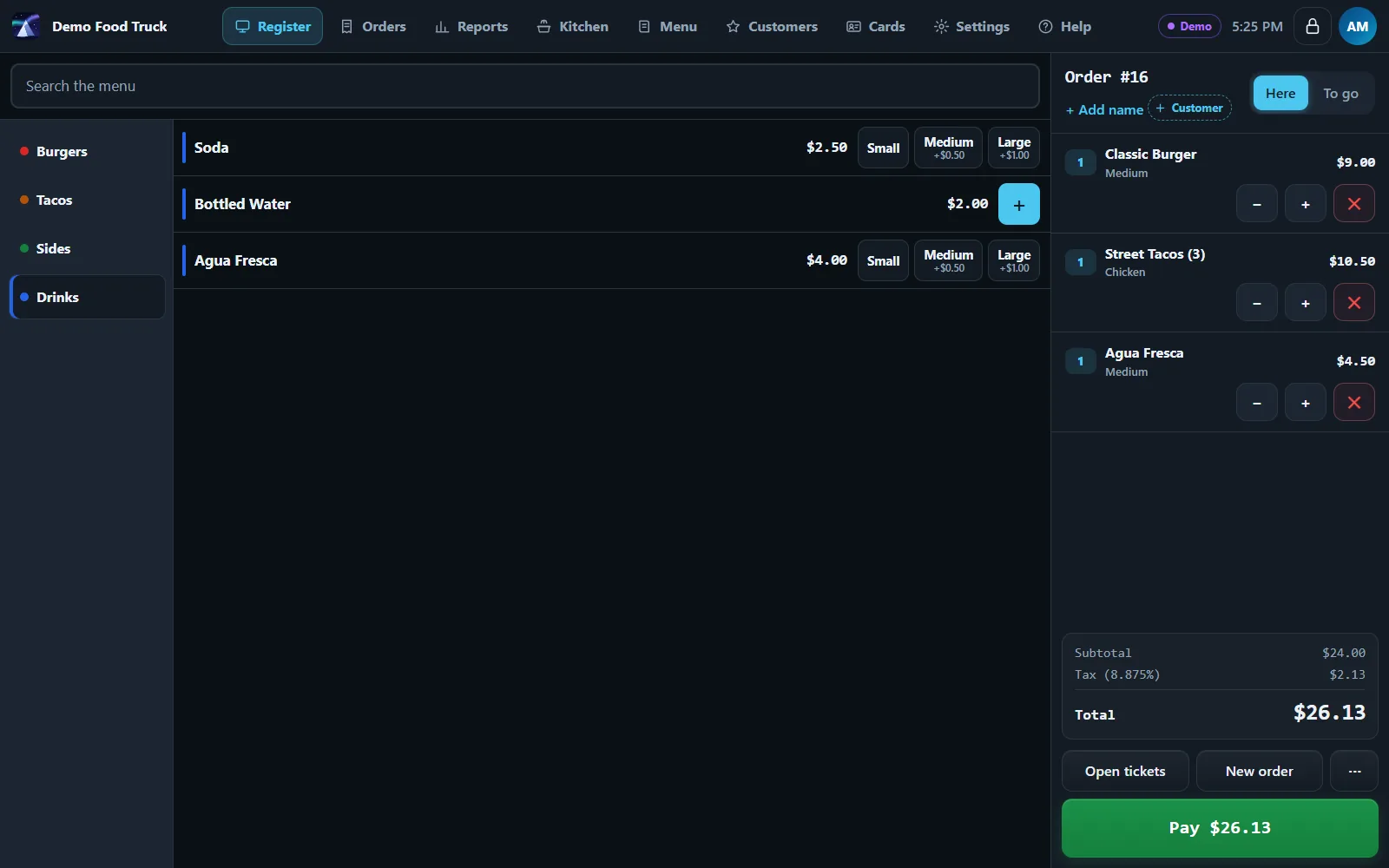
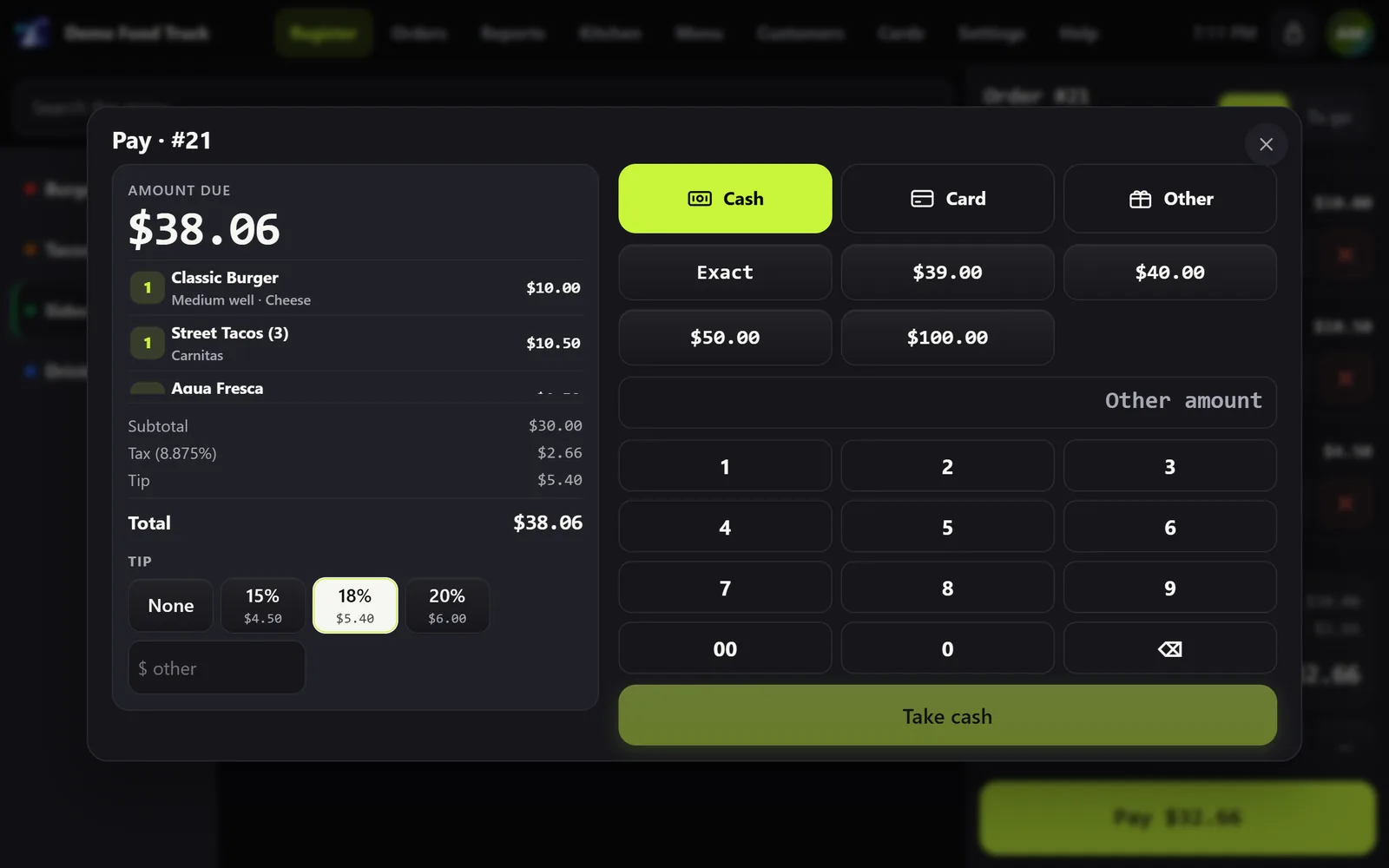
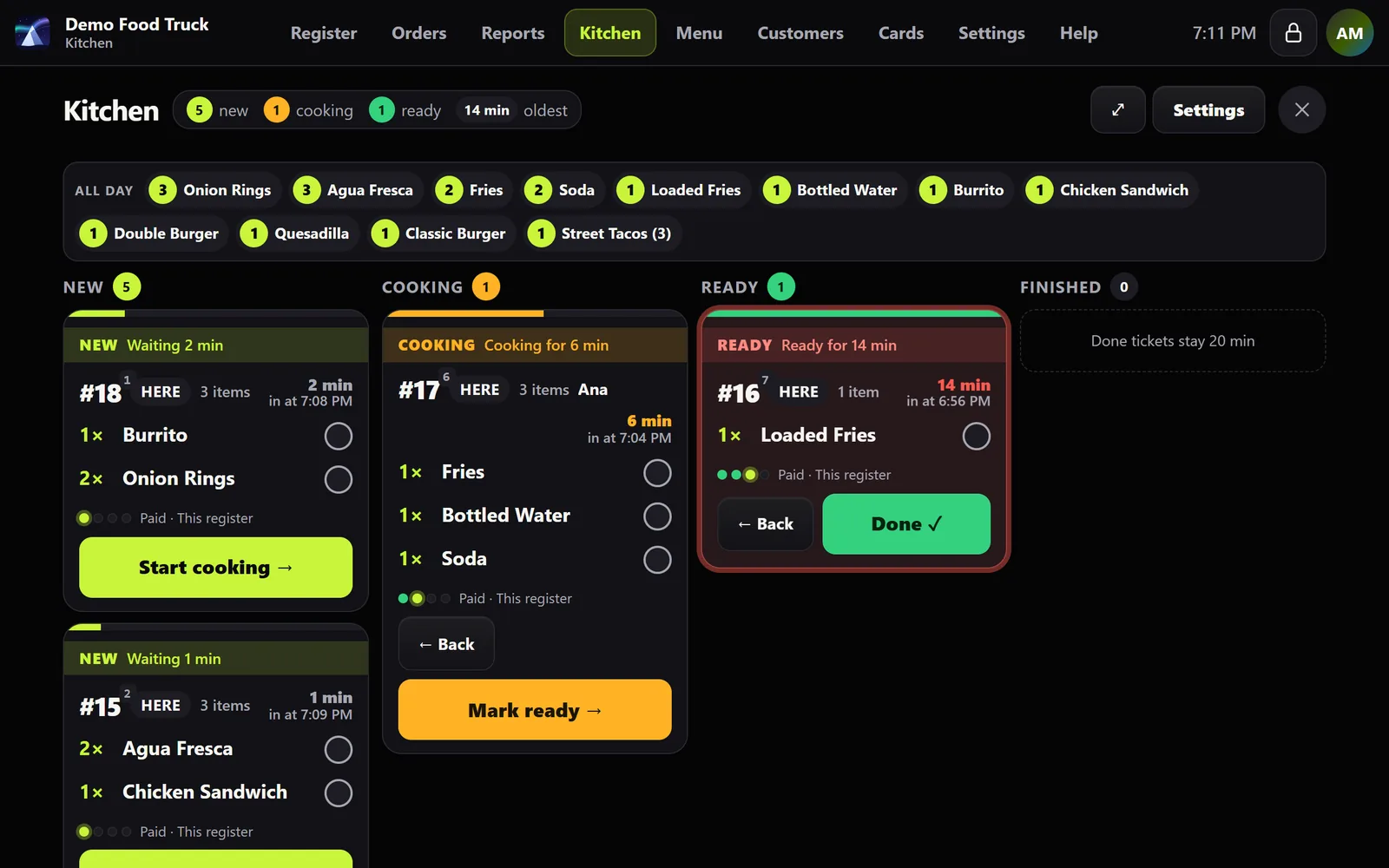
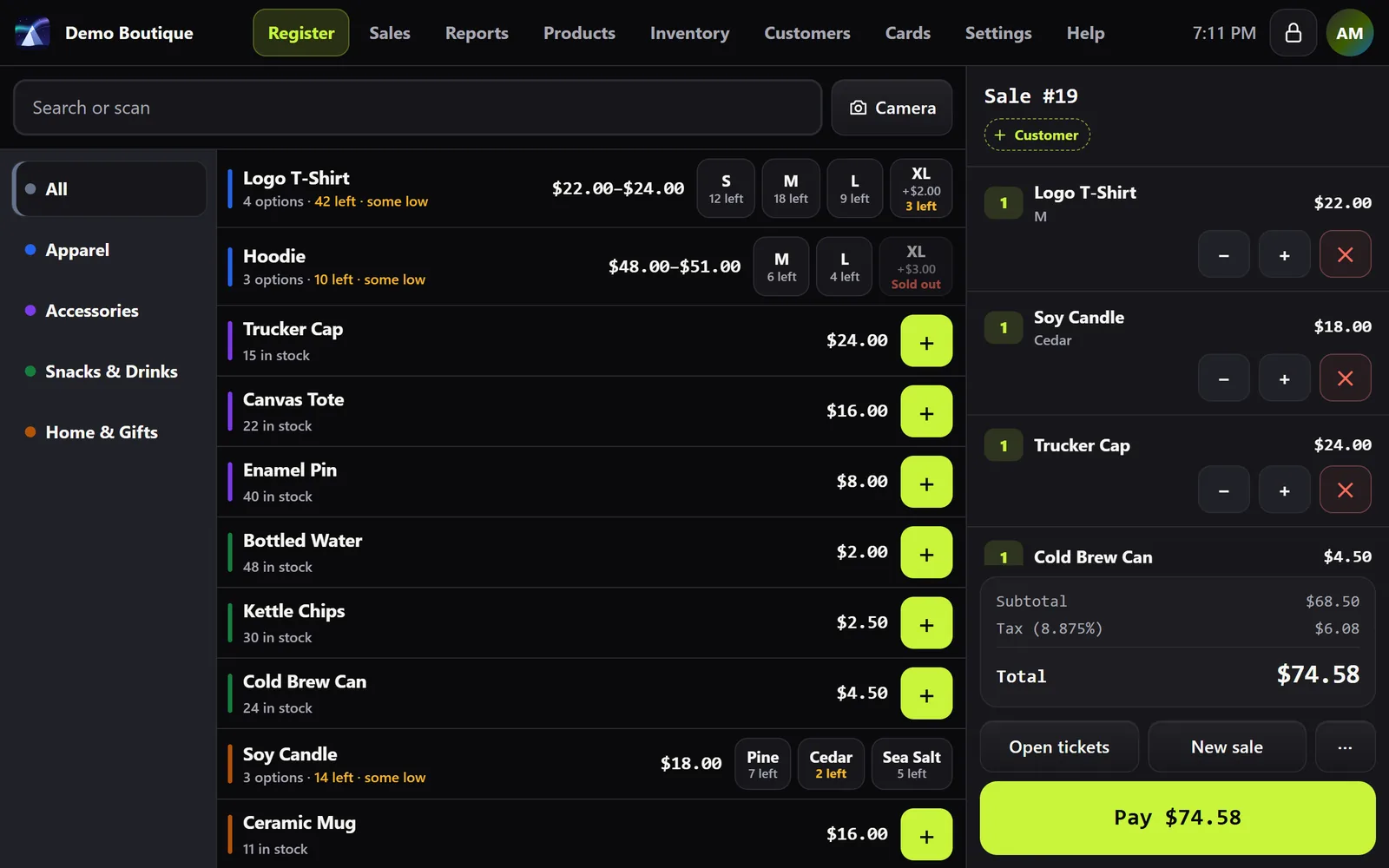
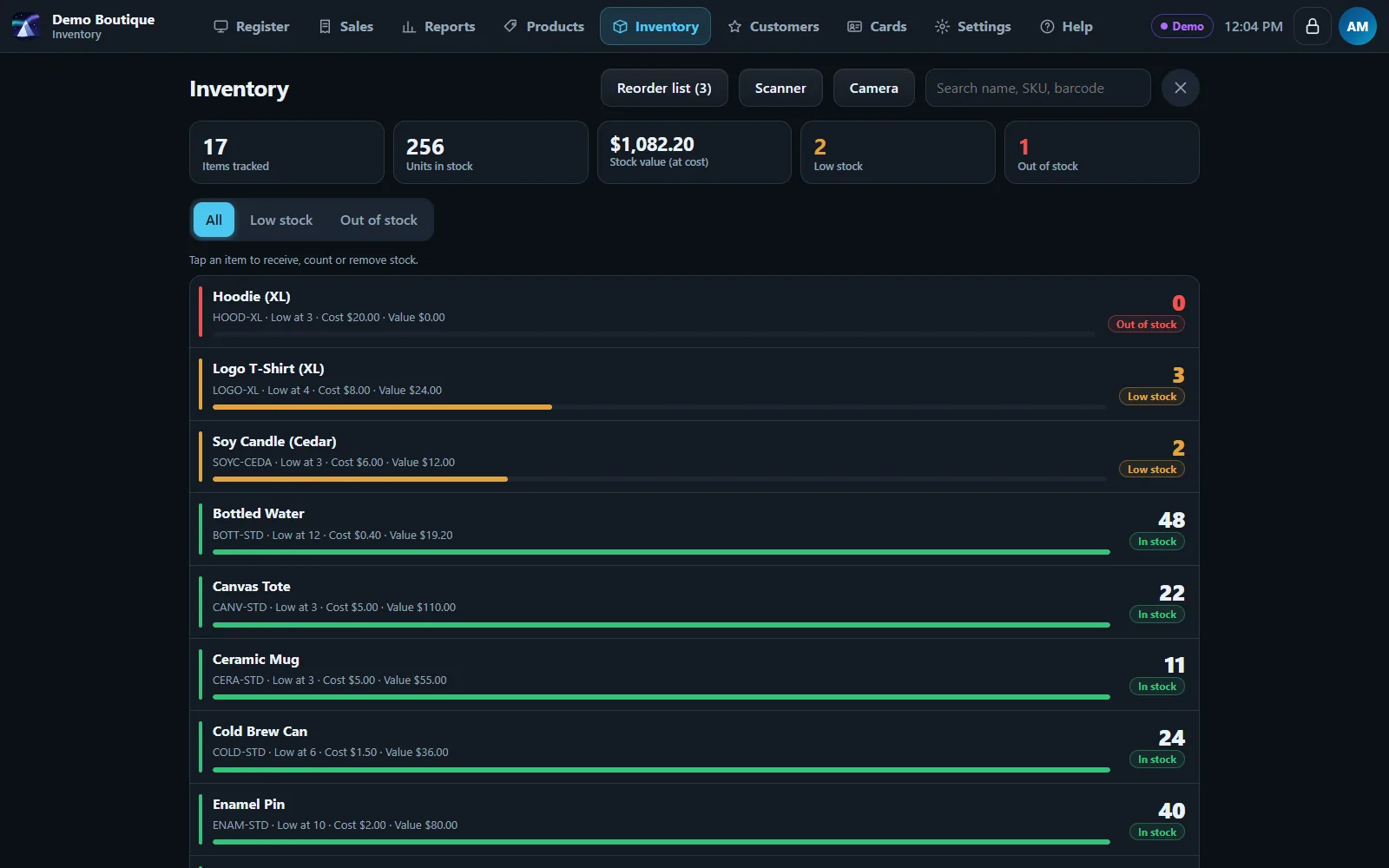
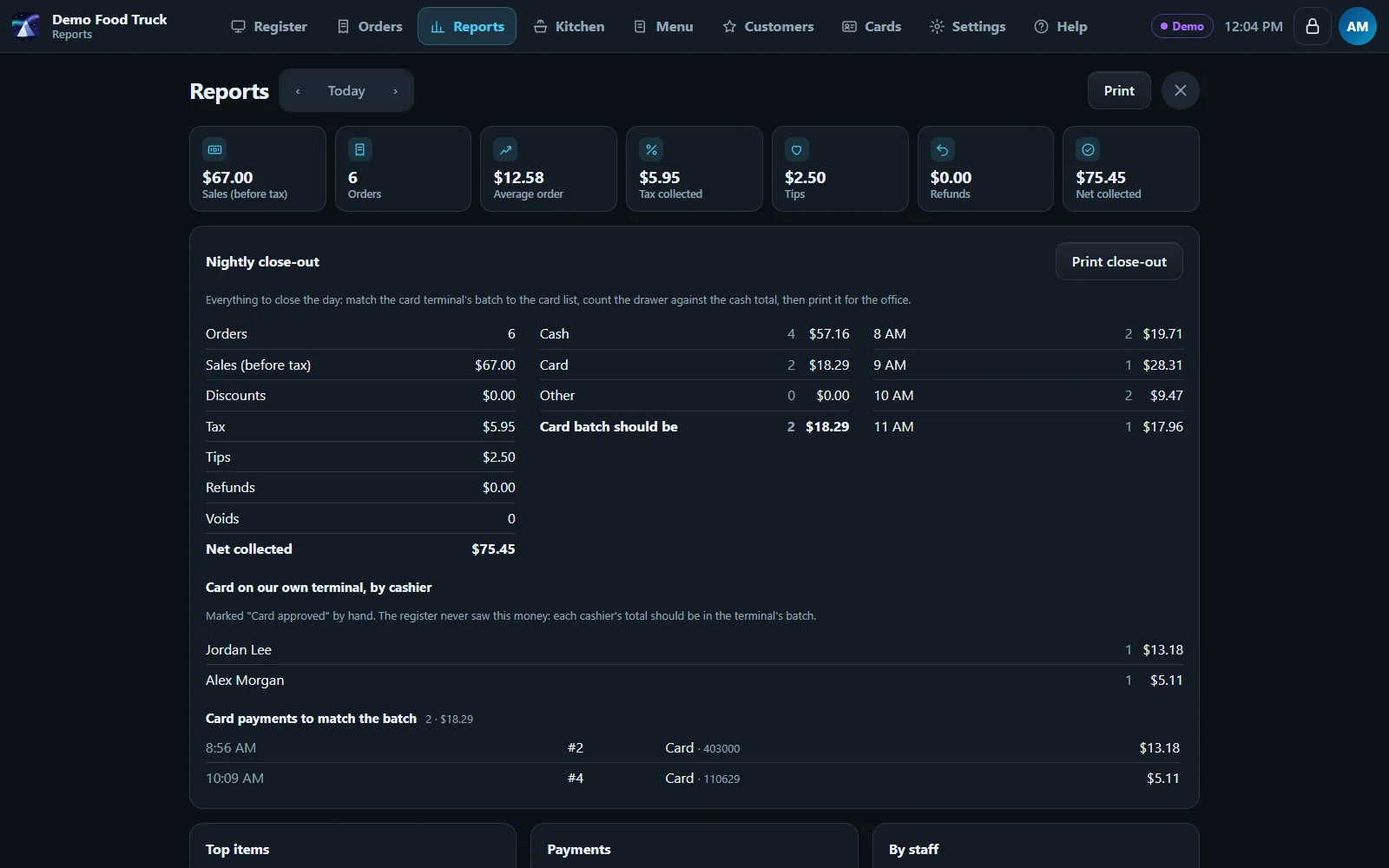
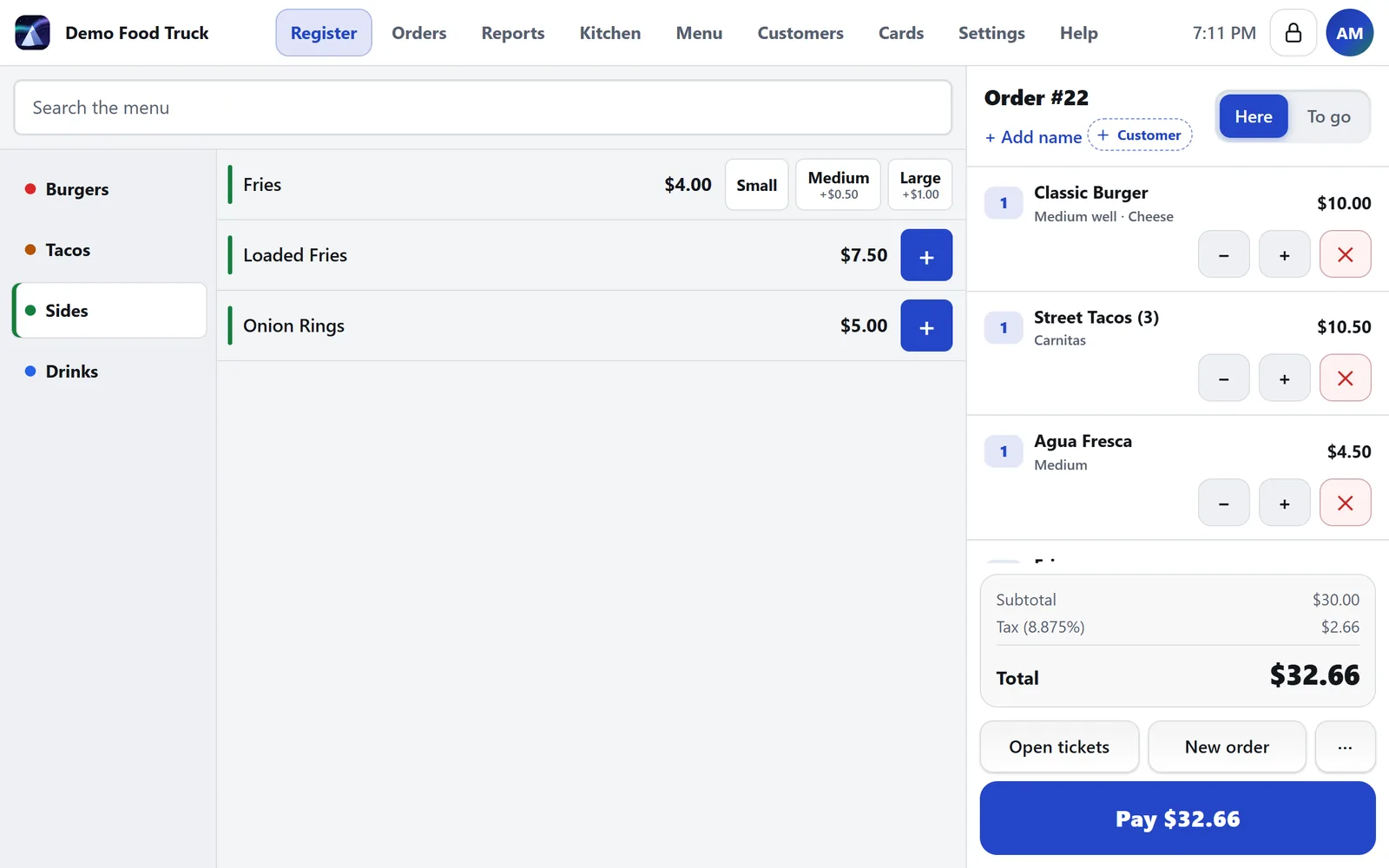
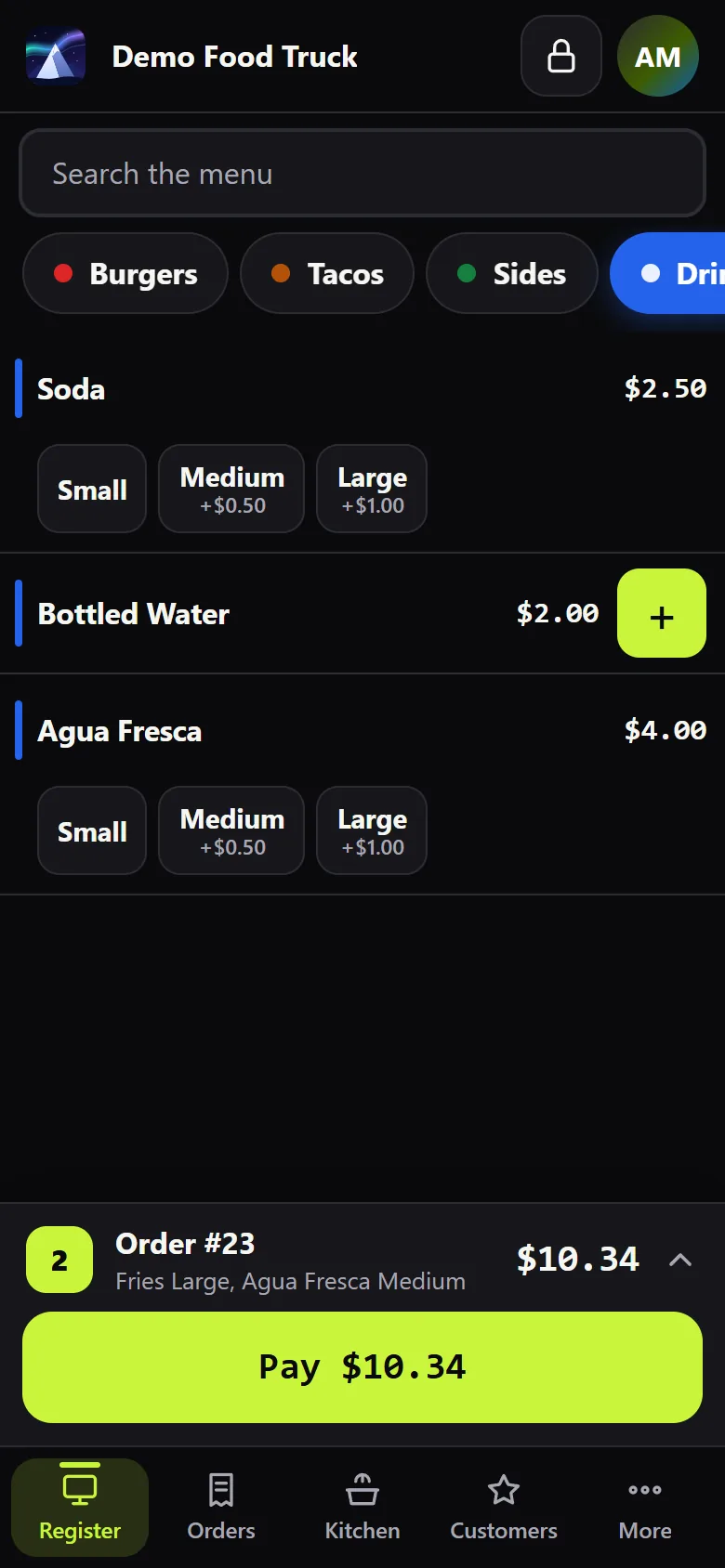
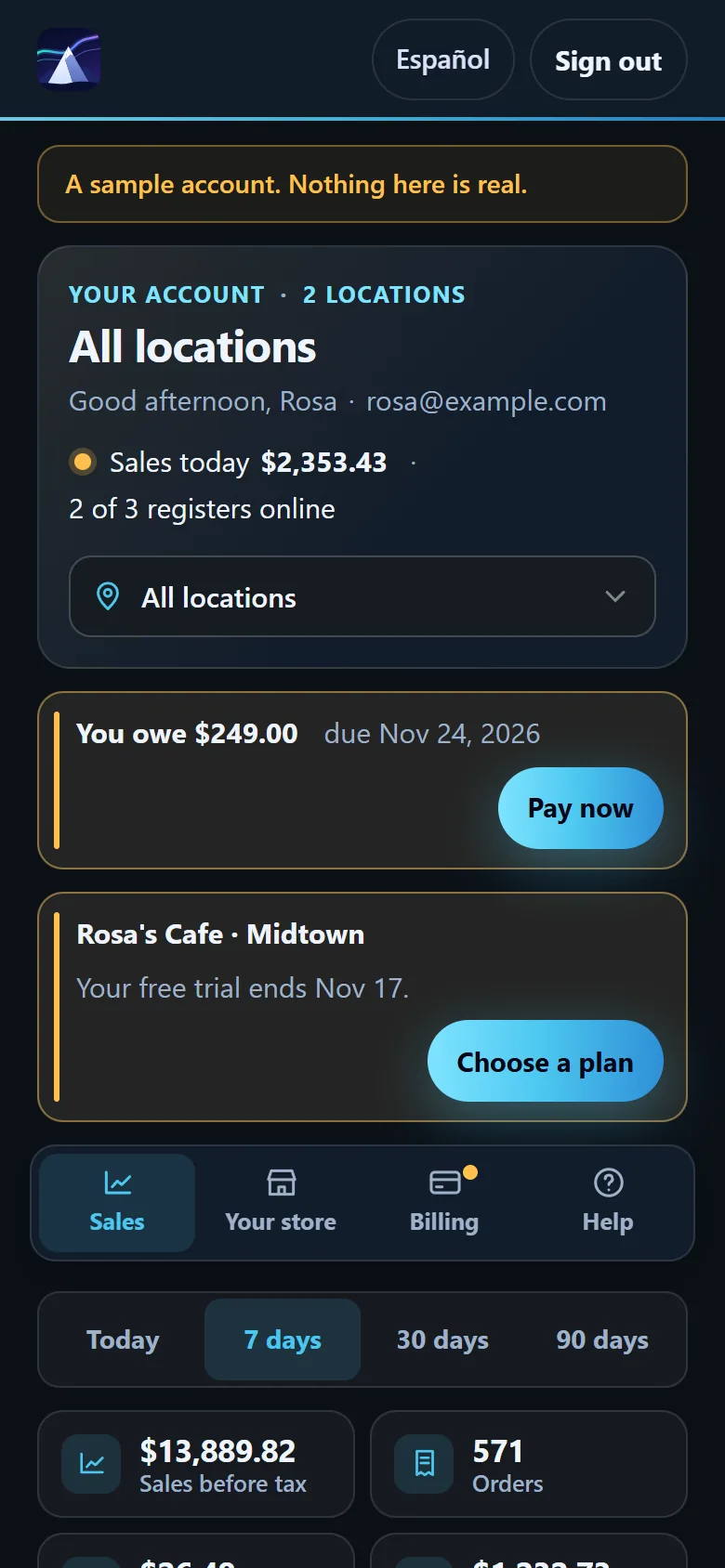
Screens from the demo registers. Try them yourself: nothing to sign up for.
How it works
No technician, no installs. If you can scan a QR code, you can set up a register.
A three-minute form. We set up your account and your local sales tax.
Point the tablet or phone at your pairing code. It becomes a register.
Pick your owner PIN and ring up your first sale. Add more registers the same way.
What you get
A tablet, a phone or a touchscreen. Open the link, tap, sell.
No internet? The line keeps moving. Everything syncs the moment the connection is back.
Keep the card terminal you have. Run the card on it, tap “Card approved” on the register, and the sale is done.
Points, rewards, VIP levels and birthday treats. Find anyone by phone or member number.
Orders go straight to the kitchen. Tap a ticket to move it along. Red when it waits too long.
Every register checks in every minute. We usually know about a problem before you tell us.
Pricing
Tell us about your business and we'll send your price the same day.
One register, the essentials.
For a busy counter.
Every tool, for one busy store or several.
Need more registers? $9.99 a month for each one beyond what your plan includes.
Month to month. Leave any time; a $49.99 fee applies only if you leave in your first year. Service Agreement
New customers who sign up from the link in one of our emails get their 3rd month free.
Insider $19.99, Basic $29.99 or Pro $49.99 a month. Only registers beyond what the plan includes cost $9.99 a month each.
Compare plansYes. Sales, receipts and reports work with no connection at all. Everything is saved on the device and sent to the cloud as soon as the connection is back.
A modern web browser on a touchscreen PC, tablet or phone, and internet to set it up. Connect a receipt printer, cash drawer or barcode scanner you already have. The camera on a phone or tablet reads barcodes too, so a scanner is optional.
Keep the card terminal you already have. Run the card on it, then tap “Card approved” on the register. At closing, the register lists every card payment, so the terminal’s batch and the register match.
Yes, by phone or at the counter. Ring the order as Pickup and add a pickup time. The receipt and the kitchen ticket print a pickup code as a QR. When the customer comes in, scan or type the code and tap Picked up.
Yes, for new customers who sign up from the link in one of our emails: your 3rd month of the plan is free. Add-ons and extra registers are still billed.
Yes. Send us what you have (a spreadsheet, a photo of the menu, an export from your old system) and we help set it up, along with your sales tax and staff.
In your Denali cloud account and on each register, so sales can keep going when the internet drops. You can download a register backup from any register and restore selected data when needed. Card numbers are never stored anywhere in Denali.
Yes. The demo opens in your browser in one tap, already signed in, with sample items and a week of sales. Switch between the owner, a manager and a cashier to see what each can do. Nothing leaves your device.
Watch the three-minute walkthrough, or open a demo on the device you'd use. It starts right away with sample items and a week of sales. No sign-up, no PIN.
About us
A small team that builds Denali POS, sets up every customer and answers when you need help. A register should work on the device you already own, keep selling when the internet doesn't, and come with people who notice when something is wrong.