
Services and products
Haircuts, color and treatments as buttons with your own prices, next to the products you sell and their stock.
Your services and products as buttons, tips at checkout, sales by staff and a rewards program with birthday treats.
Haircuts, color and treatments as buttons with your own prices, next to the products you sell and their stock.
Tip buttons with your own percentages, shown at checkout.
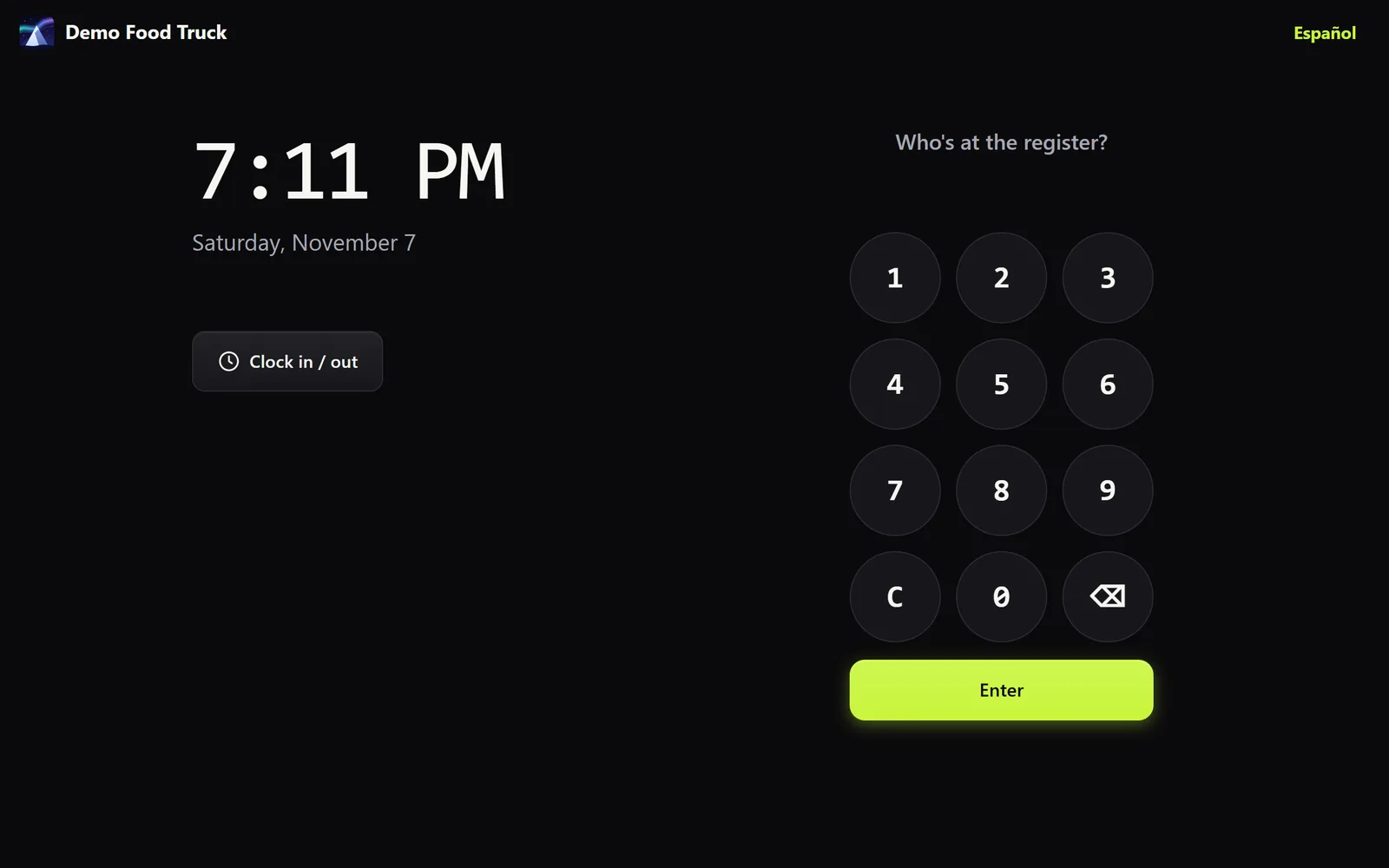
Each person signs in with their own PIN, and the reports show sales by staff.
Points, rewards, VIP levels and birthday treats. Find a client by phone.
Each stylist gets a card with a QR code. Clients scan it to save the contact.
Staff clock in and out with their PIN, and you see everyone's hours.
No technician, no installs. If you can scan a QR code, you can set up a register.
A three-minute form. We set up your account and your local sales tax.
Point the tablet or phone at your pairing code. It becomes a register.
Pick your owner PIN and ring up your first sale. Add more registers the same way.
Tell us about your business and we'll send your price the same day.