
Runs on your phone
A phone or tablet is the register. Print to a small receipt printer if you want paper.
Sell from a phone or tablet, keep selling when the signal drops, and charge the right sales tax at every stop.
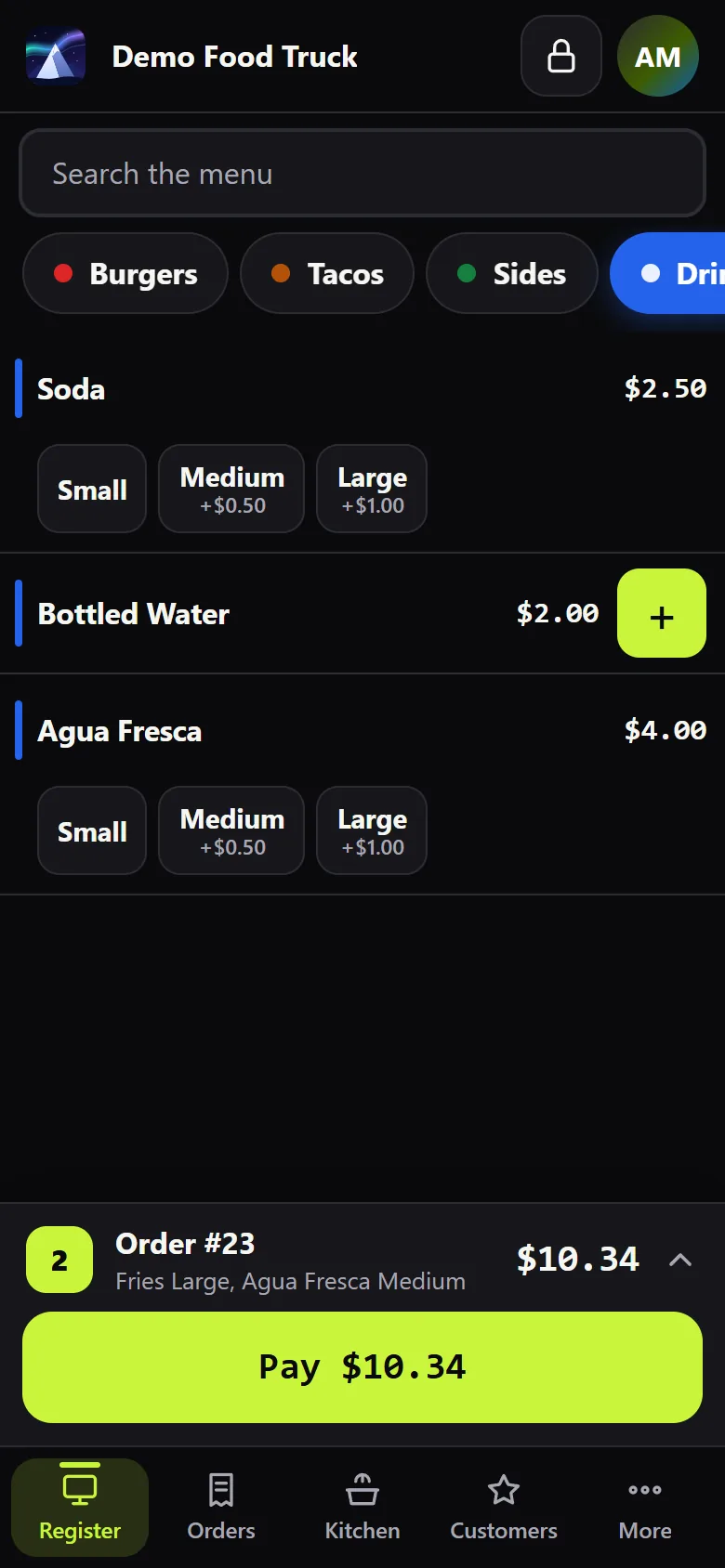
A phone or tablet is the register. Print to a small receipt printer if you want paper.
Every sale is saved on the device first and sent when the signal is back, never twice.
Save each place you sell with its own sales tax, and switch with one tap at the register.
Use your own card terminal, or a Stripe reader on Wi-Fi through your phone's hotspot.
Big buttons by category, with options and add-ons. Change a price between stops.
Sales, tax, tips and top sellers at closing, plus a cash count.
No technician, no installs. If you can scan a QR code, you can set up a register.
A three-minute form. We set up your account and your local sales tax.
Point the tablet or phone at your pairing code. It becomes a register.
Pick your owner PIN and ring up your first sale. Add more registers the same way.
Tell us about your business and we'll send your price the same day.